

Email marketing has arrived in Scored. Campaigns, templates, personalisation and scheduling, built directly on the membership you already manage, so your audience list is always the real one.
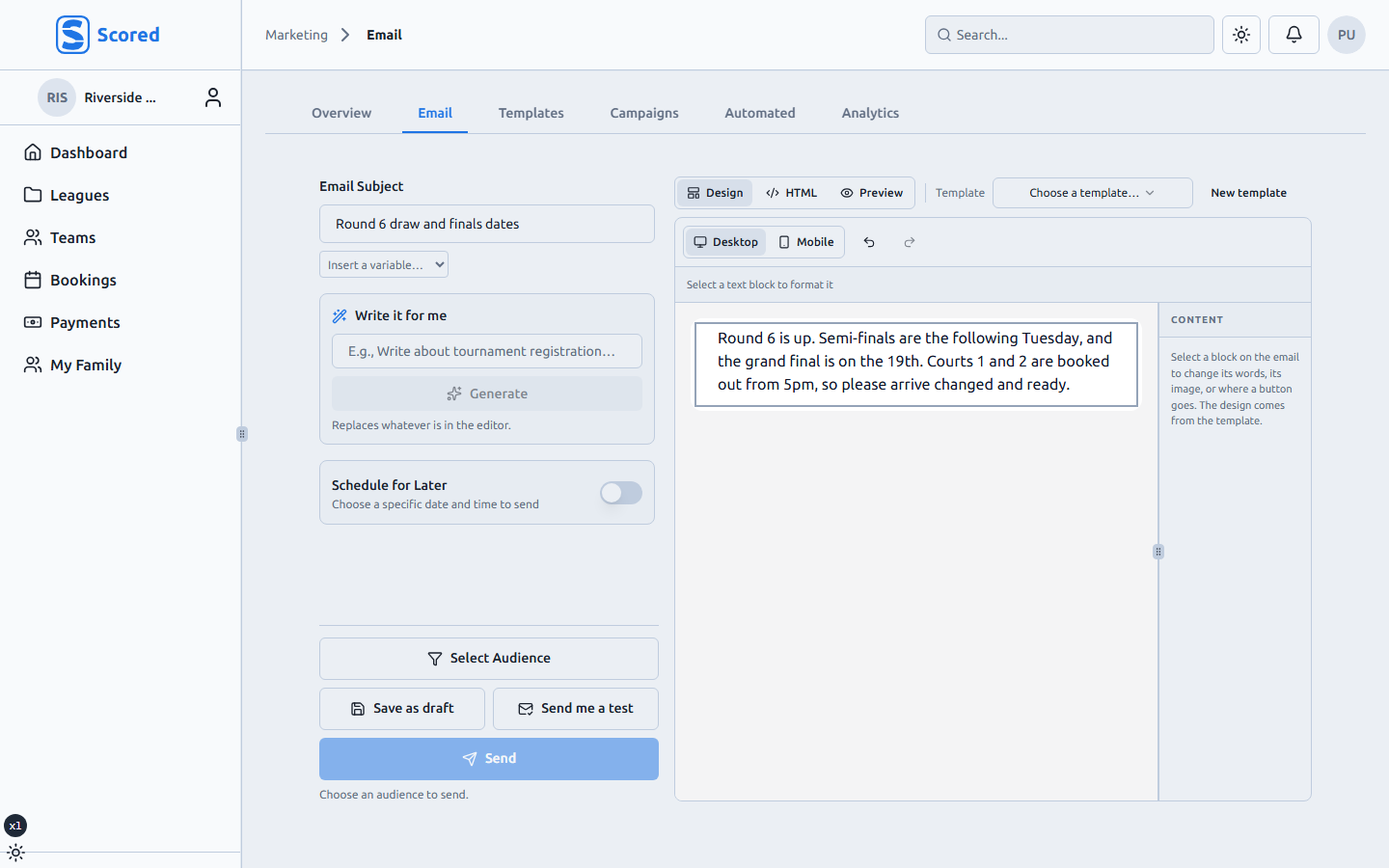
Drag the bits in
Text, images, buttons, dividers, columns. Drag them onto the canvas, flick the device toggle to check it on a phone, send. There's a formatting toolbar for the things people reach for, and you never need to touch HTML.
Already have a template from a designer? Bring it in and edit it here, exactly as it was made.
Templates that belong to the organisation
The Templates tab holds your reusable emails. Build the weekly draw email once and start from it every week after.
Templates belong to the organisation rather than to any one person, so they carry over smoothly when the committee changes hands.
Personalised, without guessing
Merge fields let one campaign greet everyone by name, team or grade. The editor shows you which text is literal and which gets swapped in, and a test send puts the real thing in your own inbox before anyone else sees it.
The automatic ones, in your voice
Scored already sends registration confirmations, fixture reminders and receipts on your behalf. Those are now editable in the same designer, per organisation, so your confirmation email can sound like you.
Schedule it, then see what happened
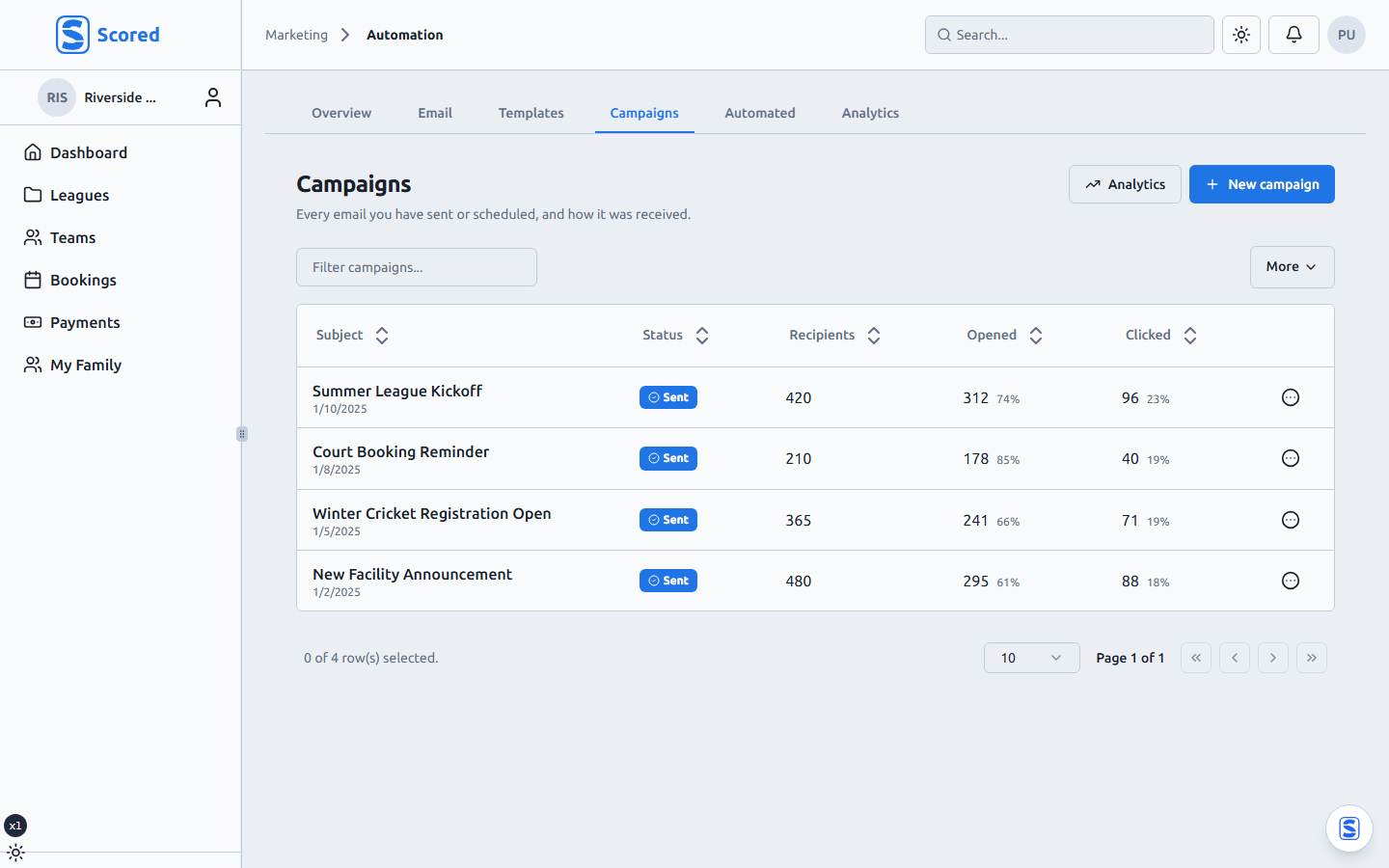
Campaigns save as drafts, can be scheduled, and can be rescheduled after that. You can watch a send go out and see which links got clicked afterwards.
Marketing emails carry an unsubscribe, while operational notices like "your fixture moved to court 4" reach everyone they affect. That distinction is built in, so your organisation stays reachable for the messages that matter.
Marketing tools has the full list, or check pricing for which plans include it.